
SHOPPING HAS NEVER BEEN SO EASY!
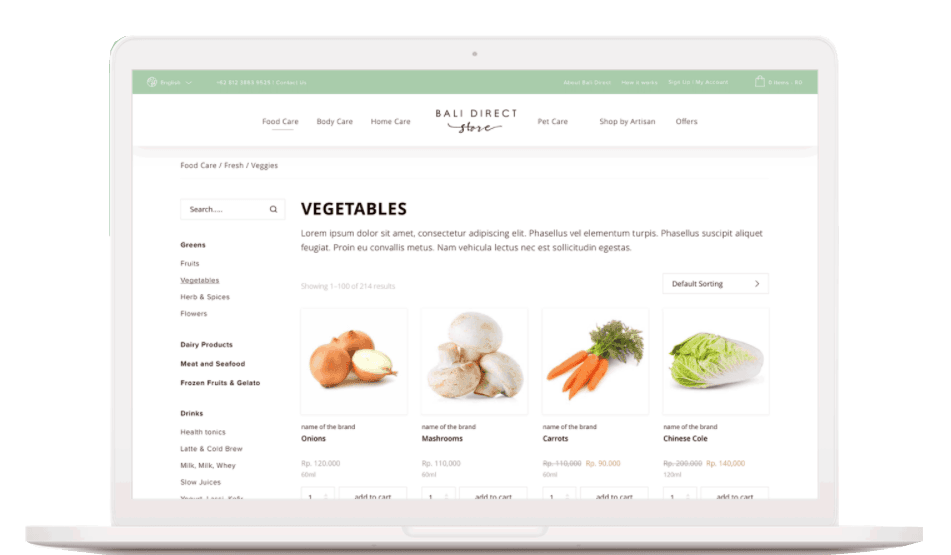
We have sourced the best local producers for you, following our LOCAL – TRANSPARENT – KIND philosophy, you have just to select them, and we are going to deliver it to your door step. To make it even more easy we have activated three additinal features, to make your shopping experinece seamless, saving you time and headhakes.

FAVOURITES
You can add products as your own favourites and later add them to cart. This is a great way of building your personal shopping list.
To favourite a product you click the heart to the right of the Add to cart button on a product page, or the heart that comes up on the product image when you hover the mouse cursor on a shop page.
In My Account > Favourites you can manage and order your favourites.

REPEAT ORDER
You can repeat an old order by following these simple steps:
(You can make changes and additions to your order as well)
1. Go to My Account
2. Click on the Order# you want to repeat (or click the View button)
3. Click the “Order again” button. This adds the order to your cart.
4. Optional – To make changes to the order. Go to the cart. Here you can delete items and change quantities.
5. Optional – Add new products as usual.
Check out as normal.

FAVOURITES
You can avoid the hassle of making regular payments for your orders by setting up a Pre-Paid Order account.
Simply deposit an amount in our account and send us an email once you have done so.
We suggest you deposit between Rp. 2 and 6 million.
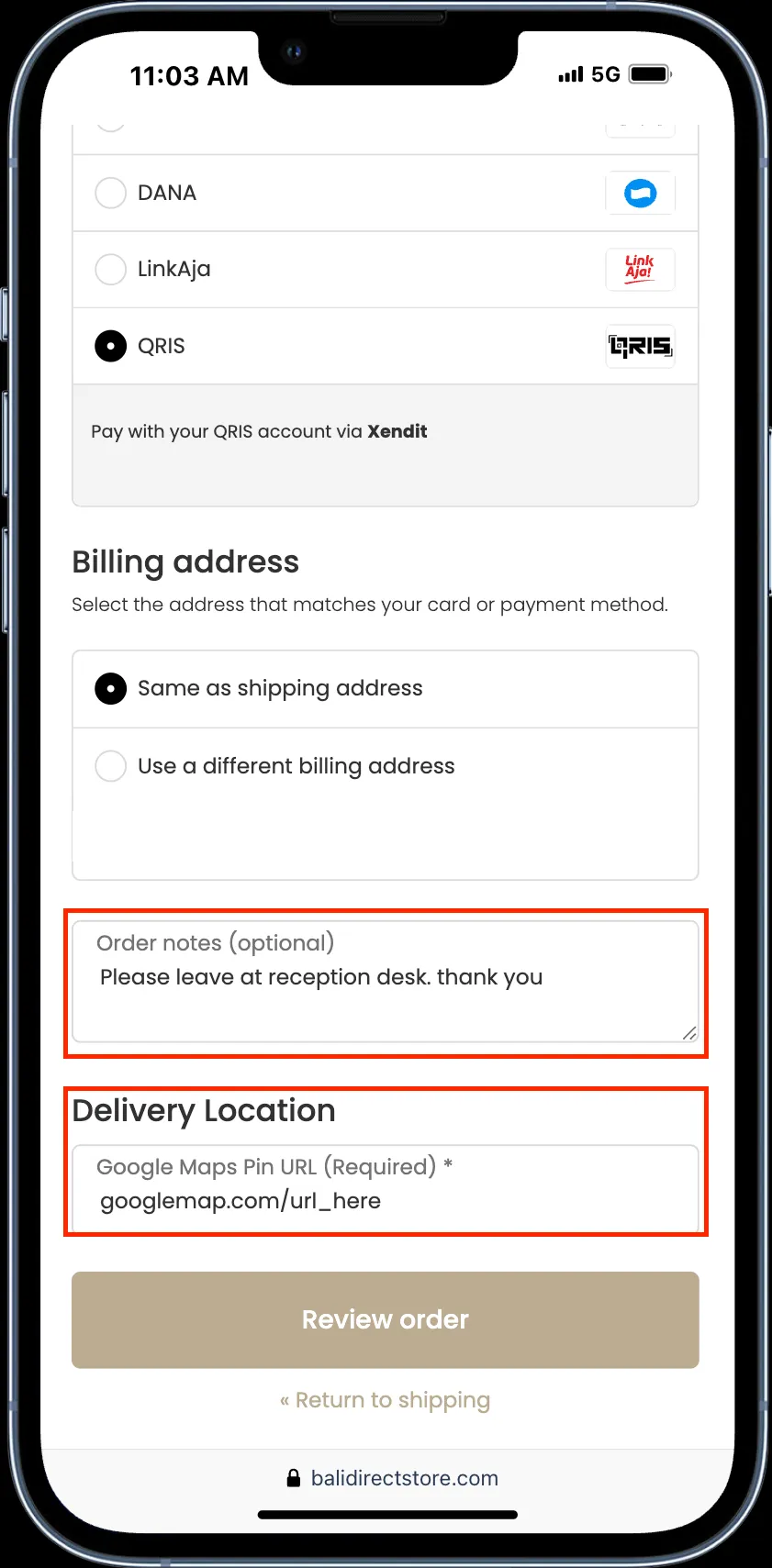
When you place your order write a note that you wish to use Pre-Paid Order and choose Cash on Delivery as payment method.
We will email you when you account falls below Rp. 200,000 so you have the option to top up.